Purpose
The uWallBoard is a separate, public page (https://wallboard.uwebchat.com/) that can be shown on a TV or monitor in the workspace. Per queue it shows the current pressure so supervisors can see at a glance where to redirect attention.
Required permissions: UWEBCHATVOICE.WALLBOARD.VIEW to see the menu link (the wallboard itself is a separate application with its own token-based access model).
What you see
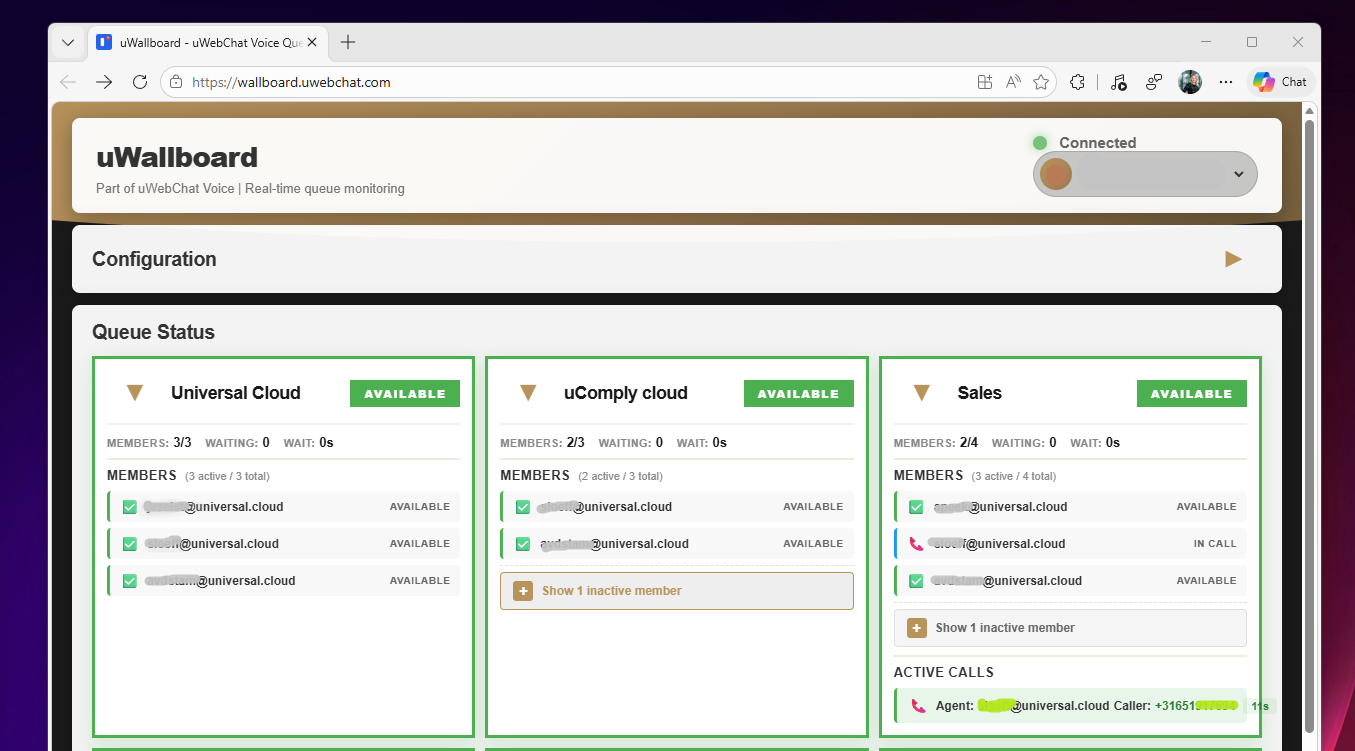
Per queue:
- Calls — number of calls currently in the queue
- Total Agents — total number of linked agents
- Free Agents — available agents who can pick up immediately
Control from the Voice Portal
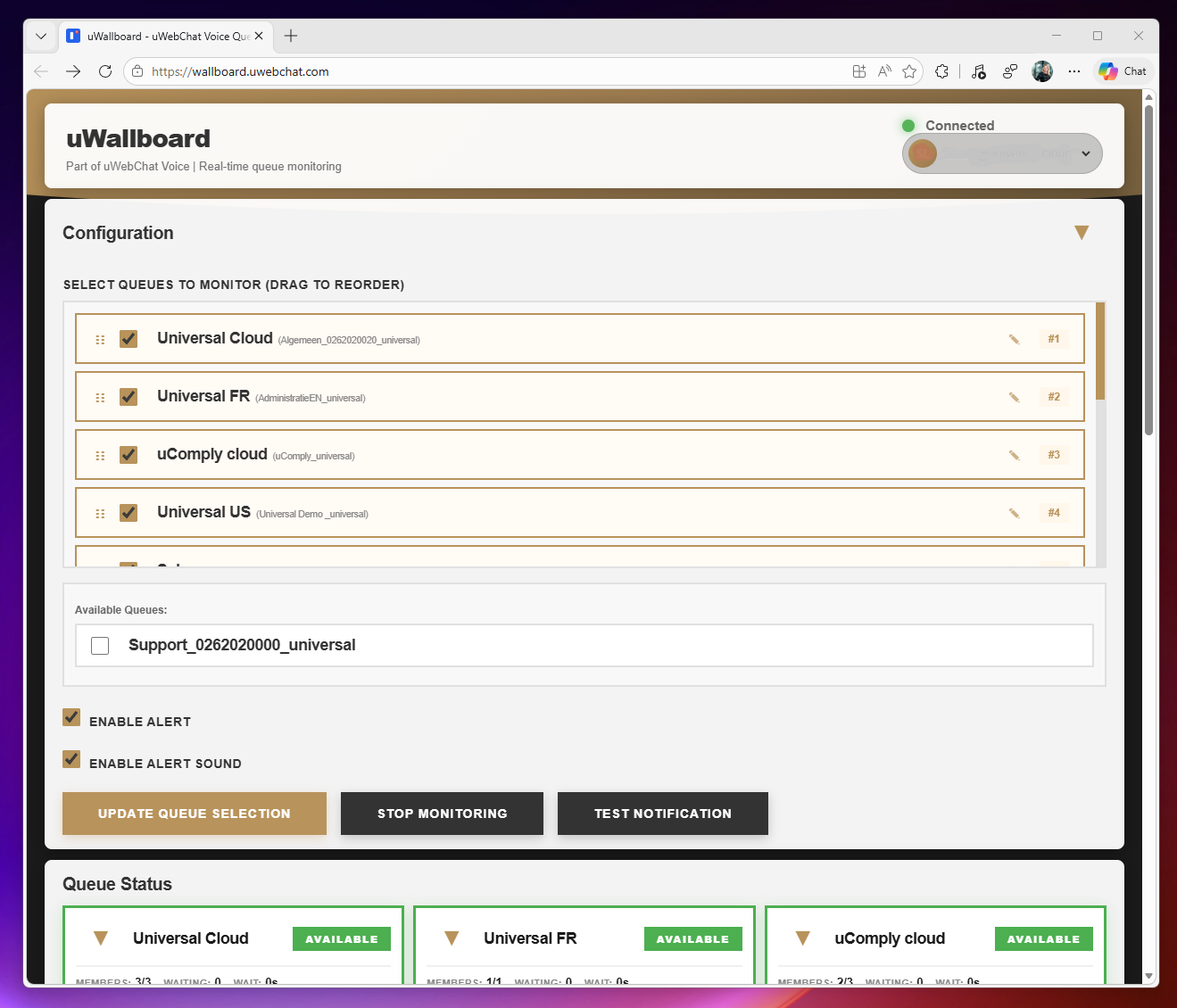
Whether a queue appears on uWallBoard is managed in Callflow → Queues → General tab → "Show on Wallboard?" (see §5.1.3).
Tips
- Open uWallBoard in a kiosk-mode browser on a TV for a permanent view.
- Changes in queue visibility take effect on the wallboard within ~30 seconds.